 Soft Keys
Custom navigation bar for Android
Your nav bar, laid out your way.
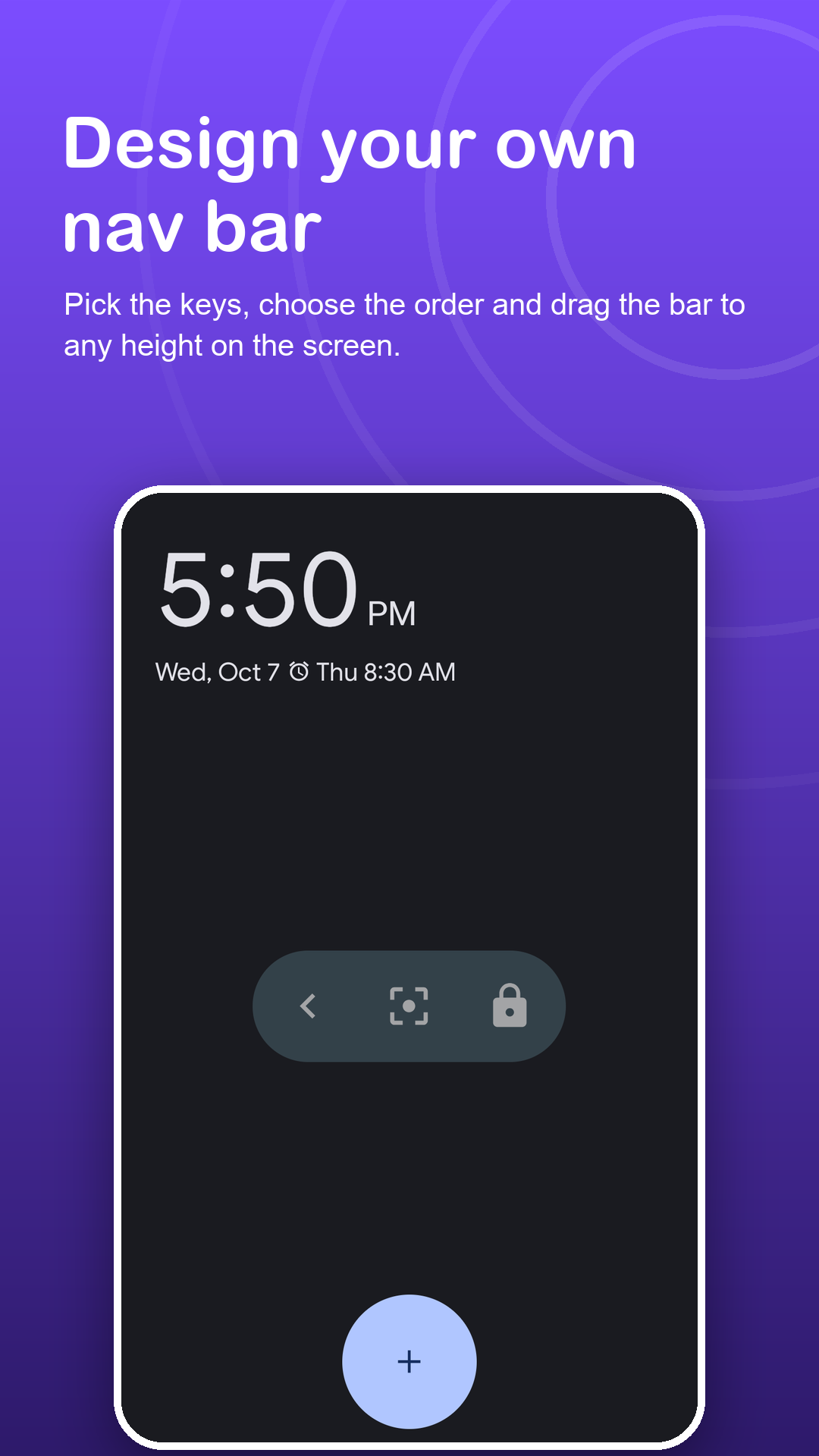
Pick from eight soft keys, put them in any order, and place the bar as a row, a slim edge bar or a single floating button. Size and transparency are up to you.
Free · Android 7.0+ · all keys and layouts free
Screenshots
Design it, then forget it.
How it works
From stock to custom.
Agree to the notice
Soft Keys explains its accessibility service first. You choose whether to continue.
Enable Soft Keys
Switch it on in Android's Accessibility settings. The bar shows up immediately.
Design the layout
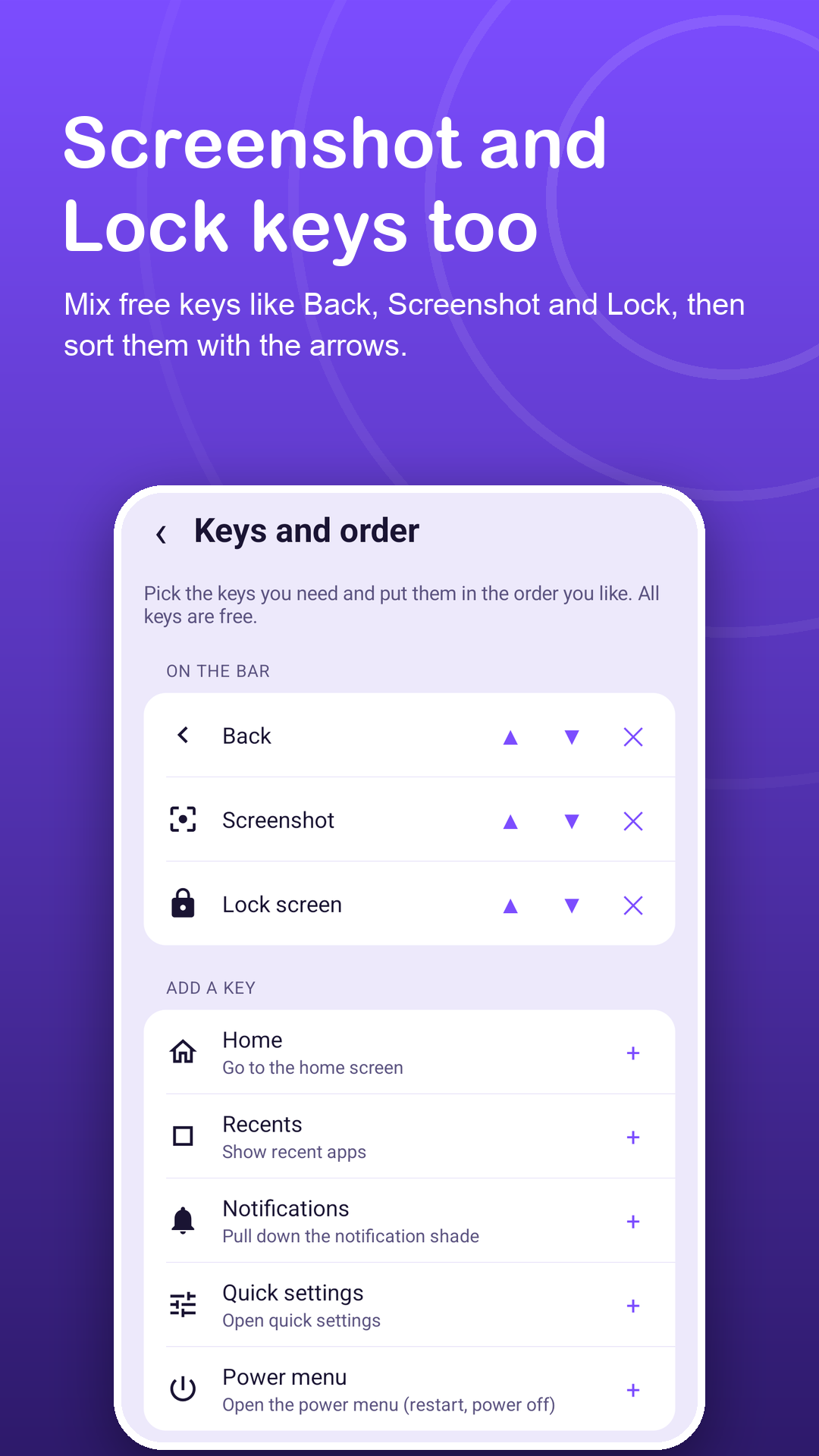
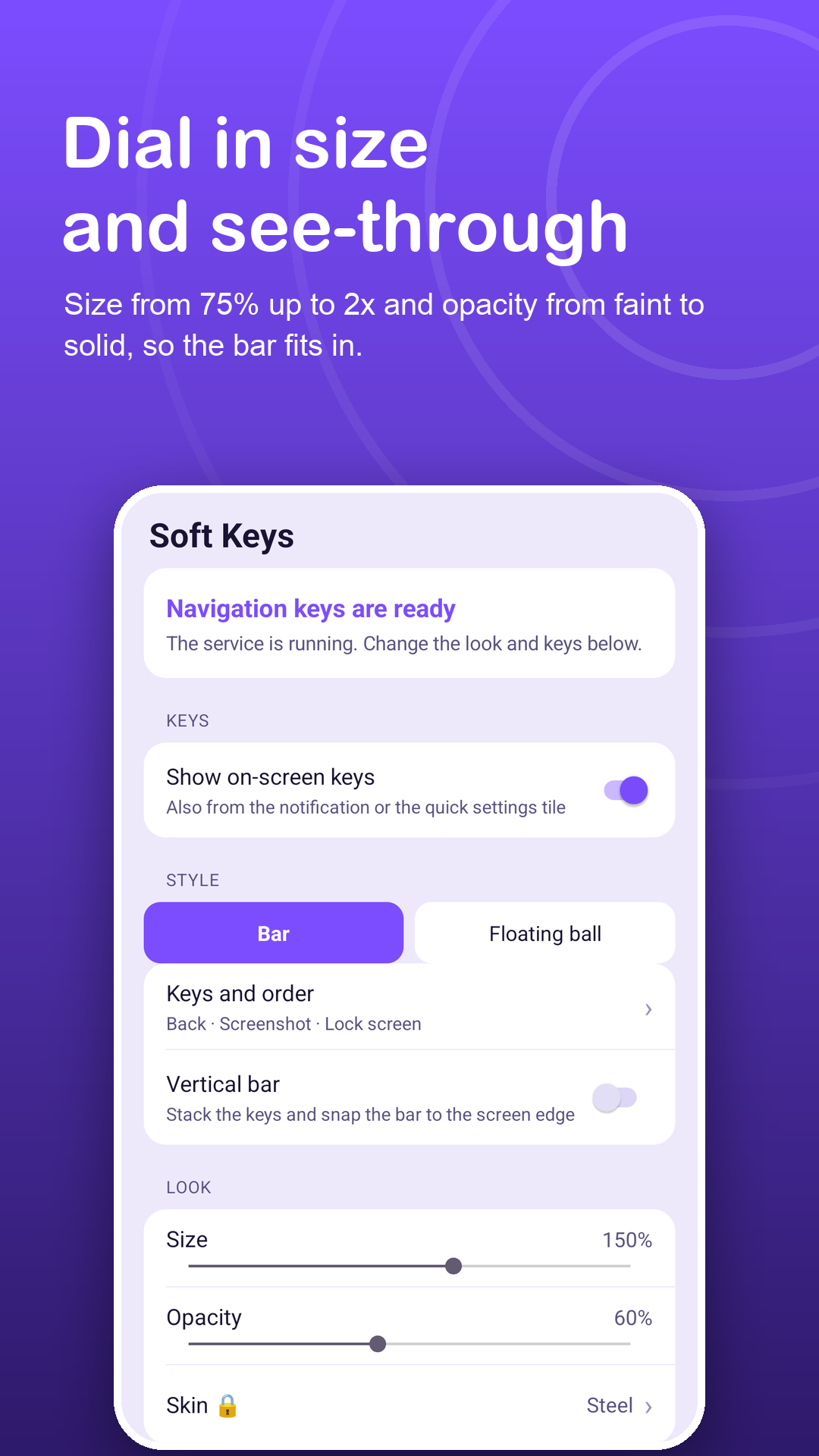
Open Keys and order, pick your keys, then choose the layout, size and opacity.
Features
Every part of the bar is yours.
Eight soft keys
Back, Home, Recents, Notifications, Quick settings, Power menu, Lock screen and Screenshot, in any combination.
Three layouts
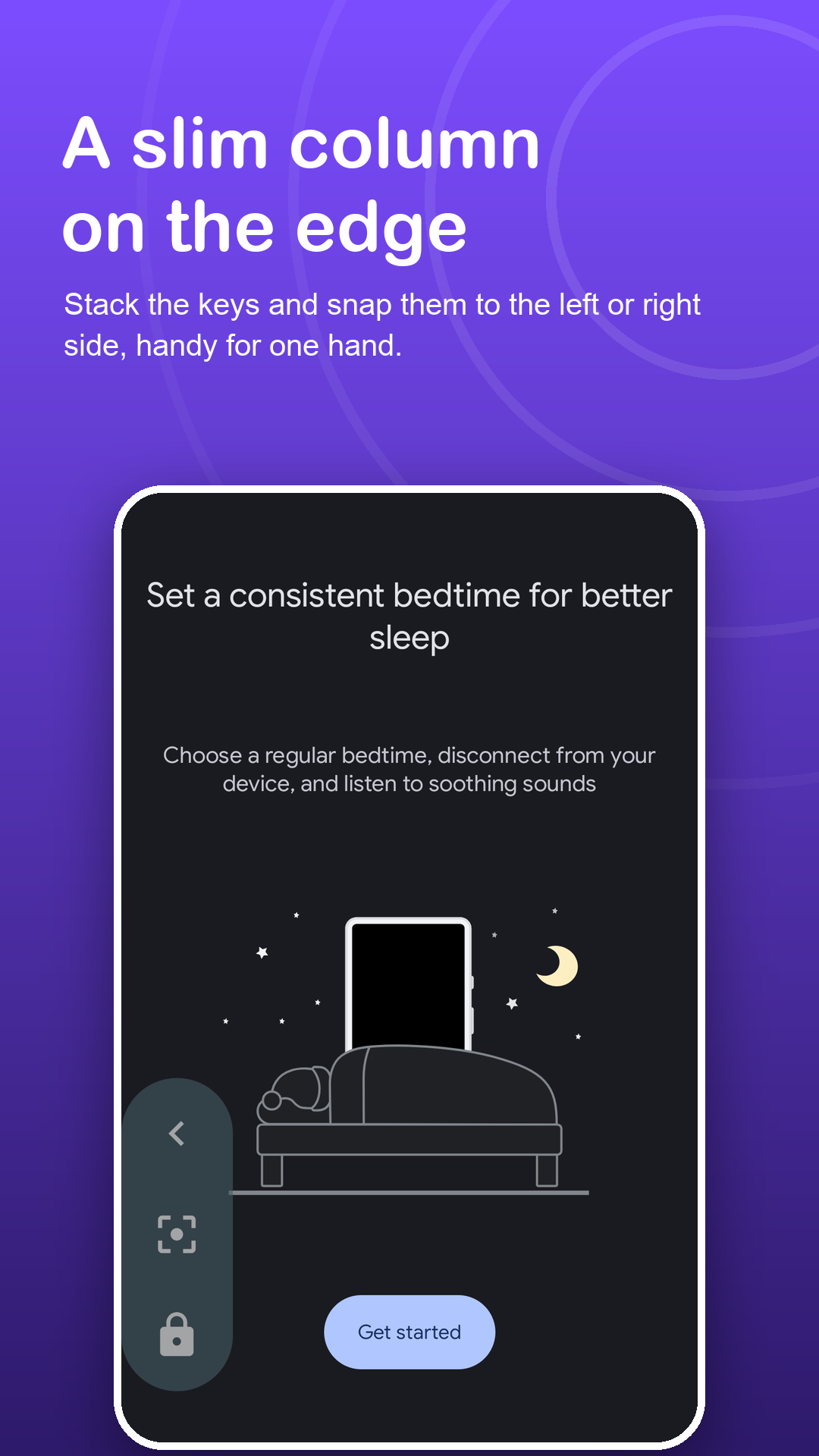
A horizontal row at any height, a vertical bar on either edge, or one floating ball.
Clean screenshots
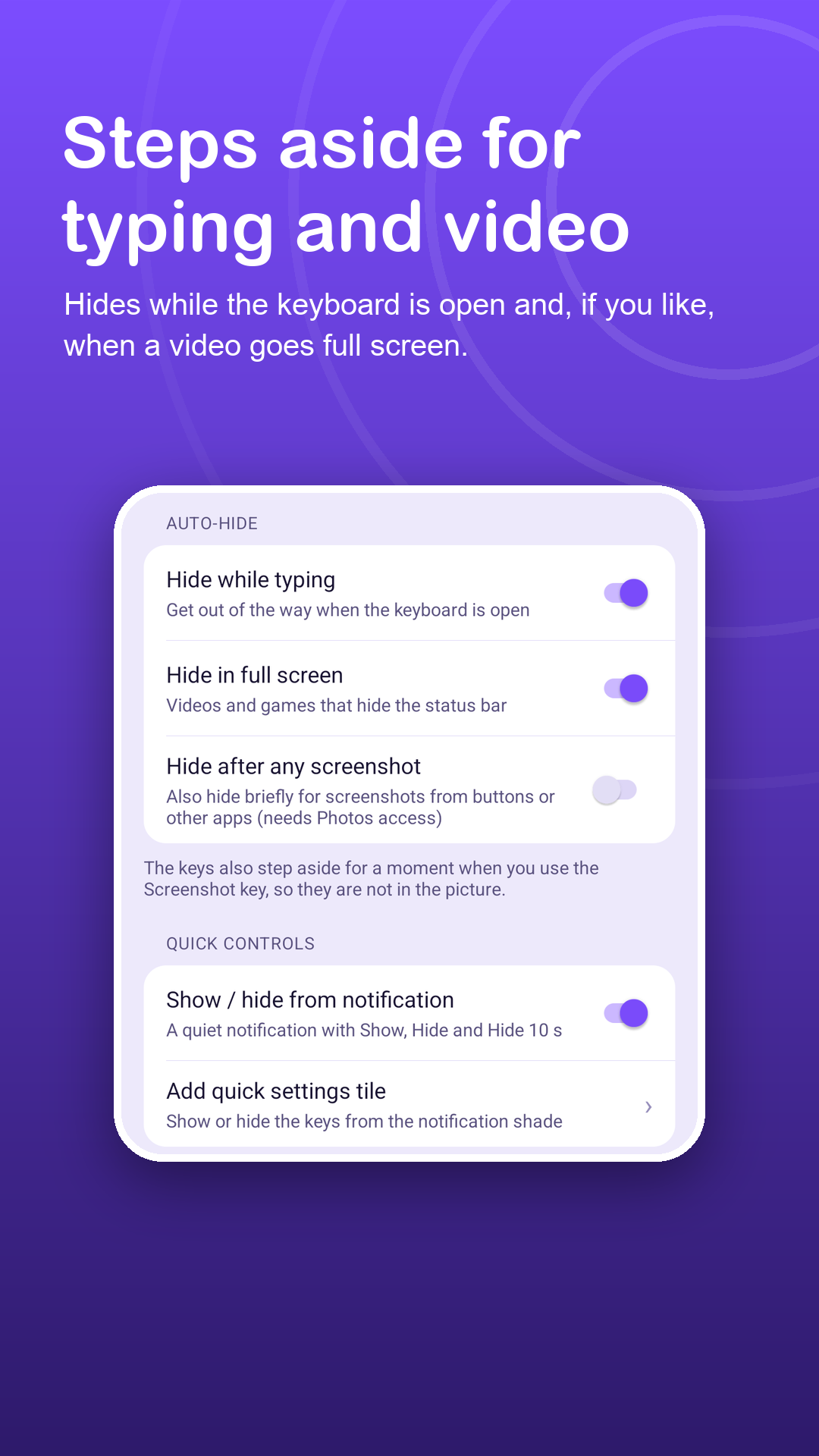
The bar steps aside for an instant when you use the Screenshot key, so it is never in the picture.
Smart hiding
Hides while you type and, if you like, in full screen videos and games or after any screenshot.
Fine control
Size from 75% to 2x, opacity, haptic tick, lock or reset position.
Skins
Premium adds Midnight, Chalk, Ember and Glass looks for the bar and the ball.
Privacy
Custom keys. No peeking.
Soft Keys uses the AccessibilityService API for two things only: performing the key you tap and drawing the bar. The Accessibility API is not used to collect any data, and the service never acts on its own. Read the privacy policy.
FAQ
Fair questions.
How many keys can I put on the bar?
Any combination of the eight keys, in the order you choose. The bar needs at least one key, and one tap resets it to Back, Home and Recents.
Why does Soft Keys need the Accessibility service?
Android only allows system navigation from an app through the AccessibilityService API. Soft Keys uses it only to perform the key you tap and to draw the bar over other apps.
Can it see my screen or passwords?
No. It cannot read screen content, does not see what you type and collects no data through the Accessibility API.
Why does it ask for Photos access?
Only if you enable "Hide after any screenshot". It checks whether a new screenshot was just saved so the bar can step aside. Your pictures are never opened or uploaded.
Where do ads appear?
Only inside the app: a banner on its home screen and, now and then, a full-screen ad when you return to it. Ads never appear on the keys or over other apps.
What does Premium include?
No ads, long-press and double-tap actions for the floating ball, and four extra skins. All keys and layouts stay free. Monthly, yearly or a one-time lifetime purchase.